Modular Reconstruction UI
Rearrangeable interface modules for study loading, window calibration, propagation, debugging, model generation and settings.
CT3D v0.4 · Experimental CT reconstruction software
CT3D v0.4 combines DICOM study loading, calibrated material windows, modular propagation engines and physical-space mesh generation in one interactive 2D/3D workflow. The release adds a modular UI, asynchronous viewer handoff, improved thin-structure preservation and updated cortical, internal, trabecular and spongy modelization paths.
Version 0.4 is an experimental research build for reconstruction development and technical evaluation. It is not a certified diagnostic medical device.
Rearrangeable interface modules for study loading, window calibration, propagation, debugging, model generation and settings.
Load local CT series, inspect physical spacing and calibrate AREA, SHELL, INTERNAL and TISSUE windows for propagation.
Run selectable propagation engines across the slice stack with preview, debug layers, import/export and thin cortical structure support.
Generate and inspect cortical, internal, trabecular and spongy structures with slicing, clipping, measurements and saved views.
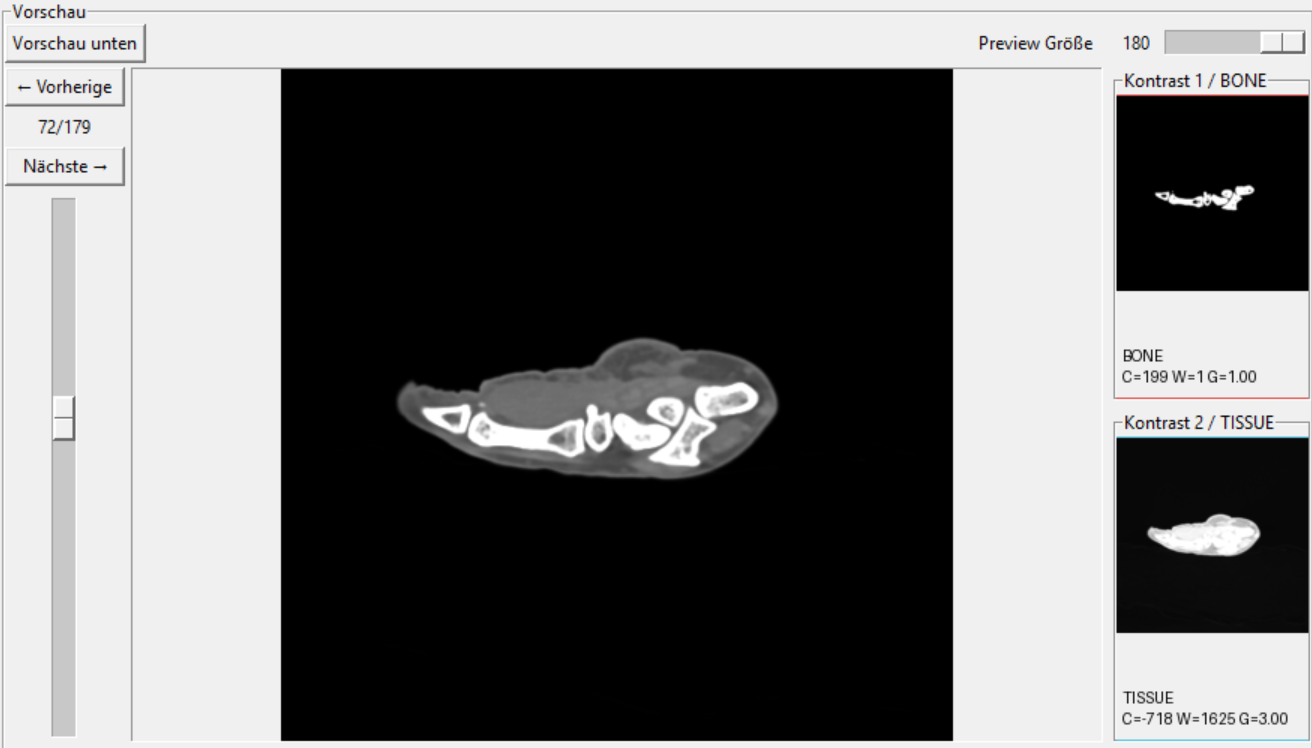
Inspect material evidence, final masks, removed fragments and engine-specific debug layers before committing a full-study propagation result.
Build spacing-aware bone surfaces with continuous Z interpolation, contour fusion, topology guards and controlled smoothing for anisotropic CT data.
Calibrate material roles directly on source slices, validate changes in bounded preview ranges and synchronize slice position, opacity and inspection context between the 2D stack and the active 3D reconstruction.
Refine generated anatomy with clipping, slab views, slice overlays, measurements, saved camera views, cleanup controls, C-shape cutouts, debug export and modelizer-specific surface and interior options.


Example Studies
Prepared DICOM CT study packs for testing CT3D immediately.